WordPress in 2026 — Is It Still the Right Choice for Your Business Website?
Introduction
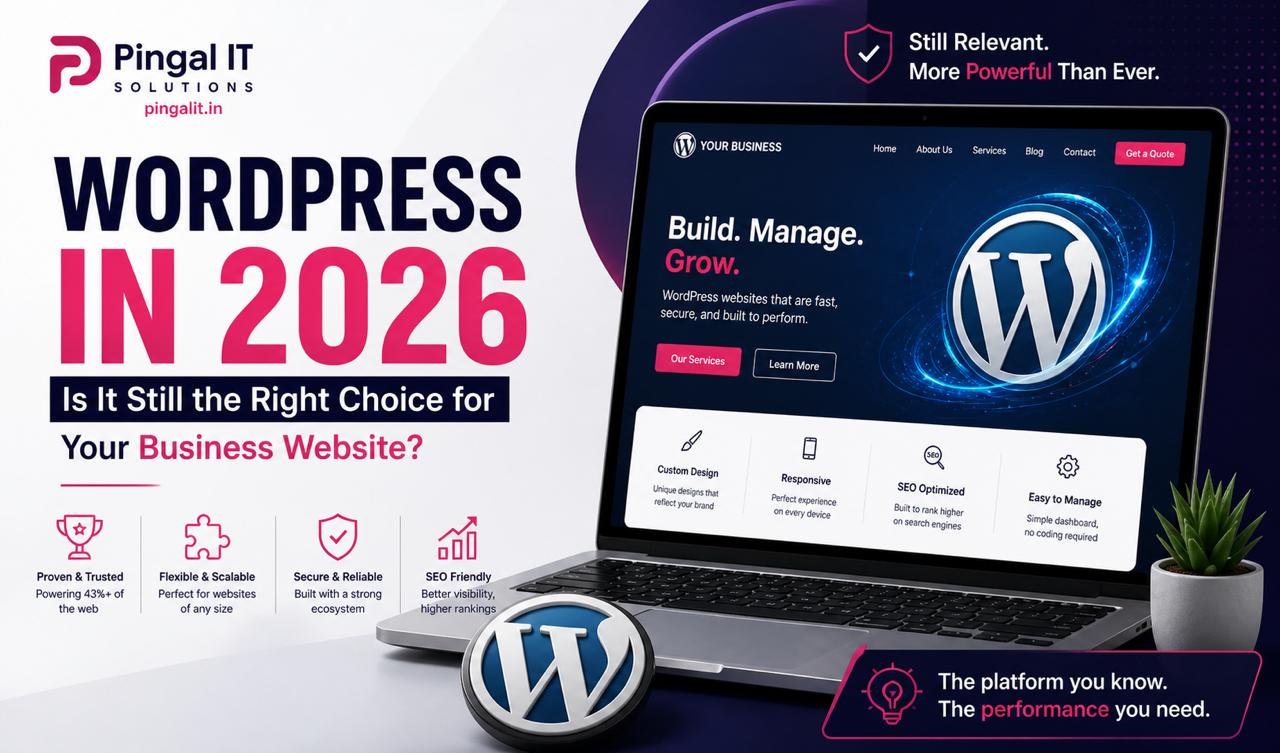
WordPress powers over 43% of all websites on the internet. It runs everything from personal blogs to enterprise-level news portals, government websites, and Fortune 500 landing pages. After more than two decades, it remains the most widely used content management system in the world — and in India, it dominates the SMB website market.
But in 2026, with headless CMS platforms, no-code builders, and modern JavaScript frameworks all competing for attention, a legitimate question arises: is WordPress still the right choice for your business website?
The answer — as with most technology decisions — depends entirely on what you need. This guide gives you a clear, honest assessment of where WordPress excels, where it struggles, and how to get the most out of it if you choose to build on it.
Why WordPress Has Remained Dominant for 20+ Years
WordPress's longevity isn't accidental. It has maintained its dominance because it does several things genuinely well — things that matter to the vast majority of businesses building websites:
Massive Ecosystem of Themes and Plugins
With over 60,000 plugins in the official repository and thousands of premium options, WordPress can be extended to handle almost any requirement — from e-commerce (WooCommerce) and membership sites to booking systems, LMS platforms, and complex multi-site networks. This ecosystem means most common business requirements can be addressed without custom development, significantly reducing cost and time to launch.
Accessible Content Management
Non-technical users can manage WordPress content without developer assistance. Adding blog posts, updating service pages, uploading images, and editing menus are all straightforward tasks that any team member can handle. The Gutenberg block editor introduced in recent years has made content creation more visual and intuitive than ever.
SEO-Friendly Architecture
WordPress was built with SEO in mind, and its ecosystem has evolved to support best practices at every level. Plugins like Yoast SEO and Rank Math make on-page optimisation accessible to non-technical users — meta titles, meta descriptions, XML sitemaps, schema markup, and breadcrumbs are all manageable without touching code. Combined with clean URLs and fast themes, WordPress sites rank well when properly configured.
Cost-Effective Development
Because WordPress is open-source and the talent pool is enormous, development costs are generally lower than custom frameworks. For businesses that need a professional website without enterprise-level budgets, WordPress consistently delivers strong results cost-effectively.
Ownership and Portability
Unlike SaaS website builders (Wix, Squarespace), self-hosted WordPress gives you complete ownership of your website, your content, and your data. You can move hosts, switch agencies, or take the site in-house at any time — your intellectual property is entirely yours.
Where WordPress Struggles in 2026
Honest WordPress advocacy requires acknowledging the platform's genuine weaknesses — because choosing it without understanding the limitations leads to frustration down the line:
Performance Out of the Box
A default WordPress installation with a typical premium theme and a handful of plugins will not score well on Google PageSpeed Insights. The platform's flexibility comes at the cost of efficiency — poorly optimised themes load dozens of unused CSS and JavaScript files, and plugins often add database queries that slow every page load. WordPress can be made fast, but it requires deliberate effort: lightweight themes, performance plugins, proper caching, image optimisation, and a good hosting setup.
Security Surface Area
WordPress's popularity makes it the most targeted CMS by attackers. Its plugin ecosystem, while a strength, is also a significant security risk — poorly maintained plugins are a common attack vector. A WordPress site that isn't actively maintained — with regular core, theme, and plugin updates — is a security liability. This isn't a reason to avoid WordPress, but it is a reason to take maintenance seriously.
Plugin Conflicts and Technical Debt
Adding functionality through plugins is convenient, but it introduces dependencies that can conflict with each other, break on WordPress updates, or be abandoned by their developers. Sites that have accumulated dozens of plugins over years can become difficult to maintain and prone to unexpected errors.
Scaling Limits for Complex Applications
WordPress is an excellent CMS for content-driven websites. It is not the right foundation for complex web applications — multi-vendor marketplaces, real-time platforms, applications with complex business logic, or systems requiring deep custom APIs. For these use cases, a custom framework is the more appropriate choice.
WordPress vs. The Alternatives — When to Choose What
| Use Case | Best Choice | Why |
|---|---|---|
| Business brochure / services website | ✅ WordPress | Fast to build, easy to manage, SEO-ready |
| Blog or content publication | ✅ WordPress | Built for this — unmatched content management |
| Small to mid e-commerce store | ✅ WordPress + WooCommerce | Full control, no platform fees, extensible |
| High-performance marketing landing pages | ⚠️ WordPress (with careful optimisation) | Achievable but requires disciplined setup |
| Complex web application | ❌ Custom (Laravel / Node.js) | WordPress is not an application framework |
| Large enterprise e-commerce | ❌ Custom or Magento | WooCommerce struggles at enterprise scale |
| Multi-vendor marketplace | ❌ Custom development | Requires purpose-built architecture |
The 8 Elements of a High-Quality WordPress Website in 2026
A WordPress site built carelessly is slow, insecure, and hard to maintain. A WordPress site built professionally is fast, secure, easy to manage, and highly competitive in search. Here's what separates the two:
1. The Right Hosting
Cheap shared hosting is the single biggest performance bottleneck for most WordPress sites. A fast, reliable WordPress site needs either managed WordPress hosting (Kinsta, WP Engine, Cloudways) or a well-configured cloud VPS on DigitalOcean, AWS Lightsail, or Hetzner. Server response time under 200ms is the baseline for a performant WordPress setup.
2. A Lightweight, Well-Coded Theme
Premium "multipurpose" themes — Avada, Divi, The7 — are feature-rich but notoriously heavy. For performance-focused WordPress sites, a lightweight base theme (GeneratePress, Kadence, Astra) combined with the Gutenberg block editor or a lean page builder produces dramatically better load times without sacrificing design quality.
3. Minimal, Well-Maintained Plugins
The rule of thumb: every plugin should justify its existence with a clear, necessary function. Auditing your plugin list regularly and removing anything unused or duplicated keeps your site lean and reduces security exposure. Prioritise plugins that are actively maintained with recent updates and large install bases.
4. Proper Caching Setup
Server-side caching transforms WordPress performance. Plugins like WP Rocket, LiteSpeed Cache, or W3 Total Cache combined with a CDN (Cloudflare) can achieve near-static site load speeds for typical business websites. Object caching via Redis or Memcached is the next level for high-traffic sites.
5. Image Optimisation Pipeline
Every image uploaded to WordPress should be automatically converted to WebP format, resized for its display dimensions, and lazy loaded below the fold. Plugins like ShortPixel or Imagify handle this automatically. Combined with a CDN, image delivery becomes a non-issue.
6. SSL, Security Hardening, and Regular Updates
A professionally maintained WordPress site runs on HTTPS, has login brute-force protection (Wordfence or Solid Security), limits login attempts, uses strong admin credentials, hides the WordPress version, and is updated — core, themes, and plugins — on a regular schedule. These are not optional extras. They are baseline professional practice.
7. SEO Configuration
Install Yoast SEO or Rank Math, configure XML sitemaps, set up Google Search Console, implement schema markup for your business type, and ensure every page has a unique, keyword-aligned title tag and meta description. These steps take a few hours and materially improve how Google indexes and ranks your site.
8. Regular Backups
A WordPress site without an automated backup strategy is a site waiting for a disaster. Daily automated backups stored off-server (to cloud storage like Amazon S3 or Google Drive) are the minimum. Test your restores periodically — a backup you've never tested is a backup you can't trust.
WordPress Maintenance — The Part Most Businesses Neglect
Building a WordPress site is not a one-time event. It is the beginning of an ongoing responsibility. WordPress core releases major updates twice a year and security patches more frequently. Plugin developers release updates continuously. Without active maintenance, a WordPress site drifts further from best practices with every passing month.
A professional WordPress maintenance plan covers:
- Monthly core, theme, and plugin updates — tested in a staging environment before applying to production
- Security monitoring — scanning for malware, vulnerabilities, and unauthorised changes
- Performance monitoring — tracking PageSpeed scores and uptime
- Backup verification — confirming backups are completing successfully and restoration works
- Content updates — keeping pages, team information, and service descriptions current
- Technical support — a defined contact for when something breaks or needs changing
Businesses that invest in ongoing maintenance spend far less over time than those who let sites degrade and then require emergency fixes or complete rebuilds.
How Pingal IT Solutions Builds and Maintains WordPress Sites
At Pingal IT Solutions, Jaipur, WordPress development is one of our core services — and we build it differently from the typical agency approach.
We don't install twenty plugins and hope for the best. We build lean, performance-first WordPress sites on quality hosting with lightweight themes, minimal plugin footprints, and complete SEO and security configuration from launch day. Every site we deliver scores above 85 on Google PageSpeed Mobile — not as a bonus, but as a baseline requirement.
Our WordPress services cover:
- New WordPress website design and development — from discovery and wireframing through to launch and Google Search Console setup
- WooCommerce store development — full e-commerce setup including payment gateway integration, product catalogue setup, and checkout optimisation
- WordPress migration — moving existing sites from other platforms or hosts without downtime or SEO disruption
- WordPress speed optimisation — improving Core Web Vitals scores on existing sites
- WordPress security audit and hardening — identifying and fixing vulnerabilities on existing sites
- Ongoing WordPress maintenance plans — monthly updates, monitoring, backups, and support
Conclusion
WordPress in 2026 is not outdated, not insecure by default, and not slow by nature. It is, however, a tool that rewards careful, professional implementation and penalises careless, plugin-heavy shortcuts.
For the vast majority of Indian SMBs building or refreshing a business website — a services site, a portfolio, a content-driven brand, or a WooCommerce store — WordPress remains an excellent foundation. Built well, it is fast, secure, SEO-friendly, and easy for your team to manage without developer dependency.
The question isn't whether WordPress is right for 2026. It's whether the team building it knows how to build it right.
If you're considering a new WordPress website or want your existing site assessed, get in touch with Pingal IT Solutions — we'll give you an honest evaluation and a clear path forward.