Website Speed Optimization Guide 2026 | Improve Performance & Conversions
Introduction
You may have the perfect website — great design, strong content, and solid SEO. But if your website is slow, none of that matters.
In today’s digital environment, users expect speed. Not “reasonably fast.” Not “a few seconds.” Instant.
Studies show that if your website takes more than 3 seconds to load, over 40% of users will leave before even seeing your content. And once they leave, they rarely come back.
This makes website speed not just a technical issue, but a direct business problem. It affects your conversions, your search rankings, your brand perception, and ultimately your revenue.
This guide breaks down why speed matters more than ever in 2026, what’s slowing most business websites down, and how to fix it with practical, high-impact improvements.
Why Website Speed Matters More Than Ever
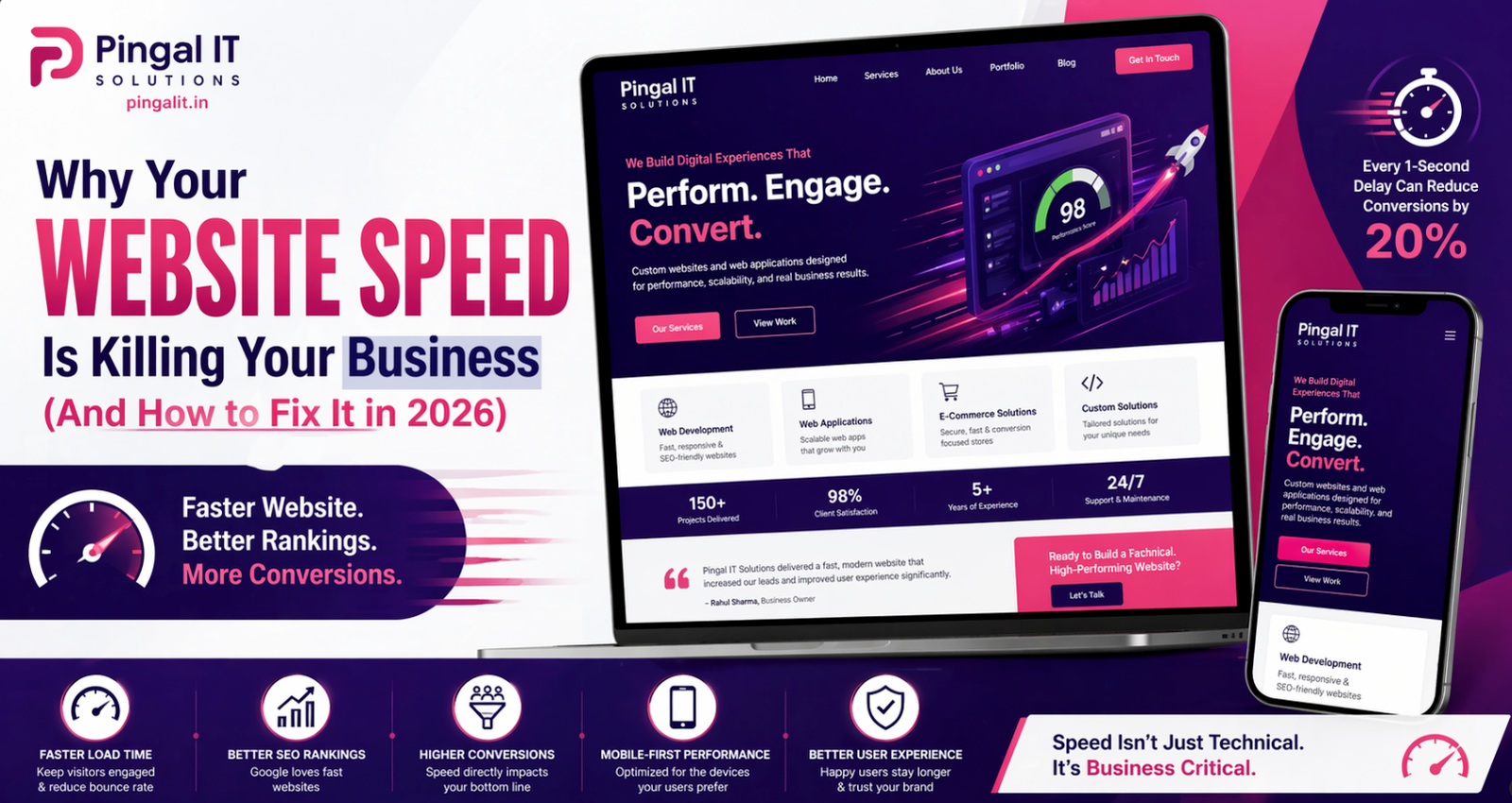
Speed is no longer just a user experience factor — it’s a core performance metric across multiple areas:
- User Experience: Faster websites feel more reliable and professional
- SEO Rankings: Google uses page speed as a ranking factor
- Conversion Rates: Even a 1-second delay can reduce conversions by up to 20%
- Mobile Performance: With mobile users dominating traffic, speed is critical
In simple terms: a slow website silently pushes customers away.
What’s Actually Slowing Down Your Website
Most business websites suffer from the same set of avoidable issues:
1. Unoptimized Images
High-resolution images uploaded without compression can drastically increase page load time. Many websites use images 5–10x larger than necessary.
2. Too Many Plugins or Scripts
Each plugin or third-party script adds additional load time. Excessive use leads to performance bottlenecks.
3. Poor Hosting Infrastructure
Cheap or shared hosting often results in slow server response times, especially during traffic spikes.
4. No Caching Mechanism
Without caching, your website reloads everything from scratch on every visit, increasing load time unnecessarily.
5. Bloated Code and Unused CSS/JS
Many websites load entire libraries even when only a small part is needed, increasing page size and load time.
How Speed Directly Impacts Your Business
Let’s translate speed into business impact:
| Speed Issue | Business Impact |
|---|---|
| Slow page load (>3s) | Higher bounce rate, lost potential leads |
| Poor mobile speed | Loss of majority traffic (especially in India) |
| Heavy homepage | Users leave before exploring services |
| Delayed interaction | Lower trust and reduced engagement |
Speed is not just about performance — it’s about first impressions and trust.
5 Practical Ways to Improve Website Speed
1. Optimize and Compress Images
Use modern formats like WebP and compress images before uploading. This alone can reduce page size by 50% or more.
2. Use a Content Delivery Network (CDN)
A CDN serves your website content from servers closest to the user, reducing load time significantly.
3. Implement Caching
Browser caching and server-side caching reduce repeated loading of the same resources.
4. Minify CSS, JavaScript, and HTML
Removing unnecessary code and whitespace improves load speed without affecting functionality.
5. Upgrade Hosting
Switching to a reliable hosting provider or cloud infrastructure can dramatically improve performance.
Mobile Speed — The Real Game Changer
In India, over 80% of users access websites via mobile devices. Yet many websites are still optimized primarily for desktop.
Mobile users face additional challenges:
- Slower network speeds
- Limited device performance
- Higher sensitivity to delays
A fast desktop website with poor mobile performance is still a slow website for most users.
How to Measure Your Website Speed
Before improving speed, you need to measure it. Key tools include:
- Google PageSpeed Insights
- GTmetrix
- Lighthouse (Chrome DevTools)
Focus on metrics like:
- Largest Contentful Paint (LCP)
- First Input Delay (FID)
- Cumulative Layout Shift (CLS)
These are not just technical metrics — they directly reflect user experience.
How Pingal IT Solutions Improves Website Performance
At Pingal IT Solutions, performance is built into the development process — not added later.
We focus on:
- Optimized frontend architecture
- Clean, scalable backend systems
- Minimal dependency on heavy libraries
- Performance-first deployment strategies
The result is websites that don’t just look good — they load fast, perform consistently, and convert better.
Conclusion
In 2026, speed is not optional. It is expected.
A slow website doesn’t just frustrate users — it quietly costs you traffic, leads, and revenue every single day.
If your website feels slow, it probably is.
Talk to Pingal IT Solutions — we’ll analyse your current performance, identify bottlenecks, and help you build a faster, more efficient digital presence.